

For many of us, dealing with email and other communications takes up a large part of our day. Therefore, no time management audit would be complete without examining how best to handle this necessary but time-consuming task.
Some people check their emails every few minutes, excited by what might arrive. Others ignore their inboxes, hoping that the contents will disappear by themselves. Although it’s important to keep on top of your emails, you risk wasting time and lowering your productivity if you check them too often.
How do you currently manage your inbox? Do you deal with messages in chronological or reverse order? By how much you like the sender? By how interesting the subject line sounds? By focusing on jokes, YouTube® clips, Buzzfeed® quizzes, or humorous memes first? Or maybe last?
Your goal is to handle emails in order of priority. When you have a system for prioritizing and dealing with messages, you will do it much more quickly, and you will be much more effective.
Action:
Think about how you currently manage your inbox. How efficient are you? Give yourself a rating from 1 to 10 (1 = inefficient, 10 = very efficient).
First, you should aim to schedule one or two blocks of time to deal with email throughout the day. For example, first thing in the morning and right after lunch.
Action:
Look over your time management audit and decide how long to allocate to email management each day.
Record this below:
Total Time allotted to Email Management
Number of sessions I will divide this into
Session Time
Session Time
Session Time
Session time
When you have a number of emails in your inbox, work through them in the order that you received them. This addresses the time-sensitive nature of some messages, and it ensures that you don’t miss one by mistake. Check for any follow-up messages that you need to read before you reply (some email clients, such as GMail®, will automatically stack your messages into “threads” for you).
The 4 Ds!
You now know when you will deal with email, so the next step is to decide how.
The “4 D” system is extremely effective for managing your inbox. For each message that comes in, you have four options:
- Do it – for simple requests and responses, just do it! It’s easier to hit “reply” and respond quickly than it is to set the email aside for prioritization. “Do it” also applies to items that you don’t need to act on but want to file for reference.
- Delete it – after you’ve skimmed an email and decided it’s not actionable, and you don’t need to keep it, delete it or archive it. If you’re worried about permanently removing messages, set up a folder for “To Delete” items. You then take them out of your inbox, and you can deal with your “delete anxiety” later.
- Delegate it – does someone else need to act on this information? Is it something you don’t need to deal with personally? Try to delegate as much as you sensibly can.
- Decide its priority – the emails that are left are the ones you need to act on. But first, you need to prioritize them. An email isn’t the most important one just because you read it first or it came from your boss.
Action:
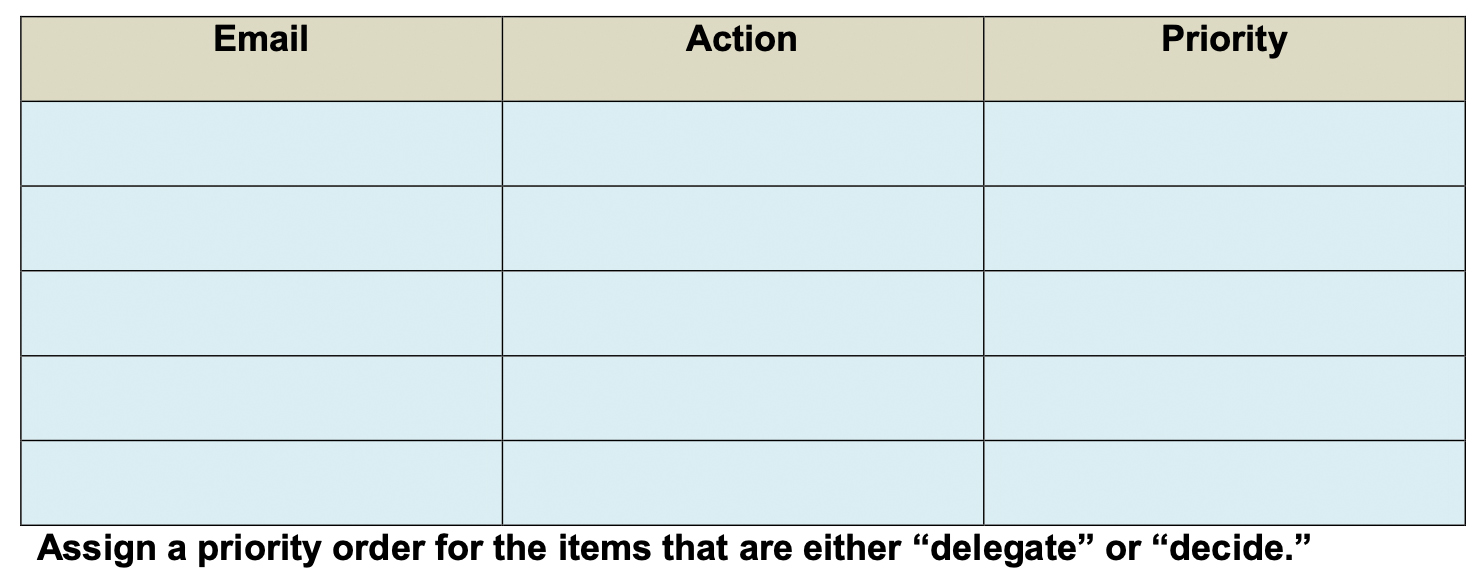
In the table below, record the last five emails that you received, and note down your action for each (Do, Delete, Delegate, Decide).
Action:
Now that you have an effective strategy for managing your inbox, how efficient do you think you’ll be? More than before?
Give yourself a rating from 1 to 10 (1 = inefficient, 10 = very efficient).